Install with Docker
Prerequisites
Docker must be installed on your system. If it is not, install it first: Get Docker.
Download and run
The following command pulls and starts the layline.io sample image:
docker run -p 5841:5841 -p 5842:5842 docker.io/layline/layline-samples:1.2.4
Port mapping:
| Internal port | External port | Component |
|---|---|---|
5841 | 5841 | Configuration Server (UI + REST) |
5842 | 5842 | Reactive Engine (REST) |
If either port is already in use on your host, change the external port number (left side of the colon).
Example output (version 2.5.4):
docker run -p 5841:5841 -p 5842:5842 docker.io/layline/layline-samples:2.5.4
Unable to find image 'layline/layline-samples:2.5.4' locally
2.5.4: Pulling from layline/layline-samples
...
Status: Downloaded newer image for layline/layline-samples:2.5.4

25-03-01 08:00:10.116 INFO Layline         - [LAY-00050] ###################################################################
25-03-01 08:00:10.122 INFO Layline         - [LAY-00050] #  Layline Reactive Engine 2.5.4                                  #
25-03-01 08:00:10.122 INFO Layline         - [LAY-00050] #  Copyright (C) 2018-2025 layline.io GmbH <https://layline.io>   #
25-03-01 08:00:10.122 INFO Layline         - [LAY-00050] ###################################################################
25-03-01 08:00:13.197 INFO ConfigServer    - [LAY-00050] ###################################################################
25-03-01 08:00:13.201 INFO ConfigServer    - [LAY-00050] #  Layline Config Server 2.5.4                                    #
25-03-01 08:00:13.202 INFO ConfigServer    - [LAY-00050] #  Copyright (C) 2018-2025 layline.io GmbH <https://layline.io>   #
25-03-01 08:00:13.203 INFO ConfigServer    - [LAY-00050] ###################################################################
...
25-03-01 08:00:21.034 INFO Layline        - [LAY-11009] all system components are up and running
Both the Reactive Engine and the Configuration Server start automatically. No further action is needed.
Open the Configuration Center
Once the container is running, open a web browser and go to:
- macOS / Linux:
http://localhost:5841 - Windows:
http://localhost:5841(or use the Docker container's IP address if localhost does not work)
You should be taken to the login page:
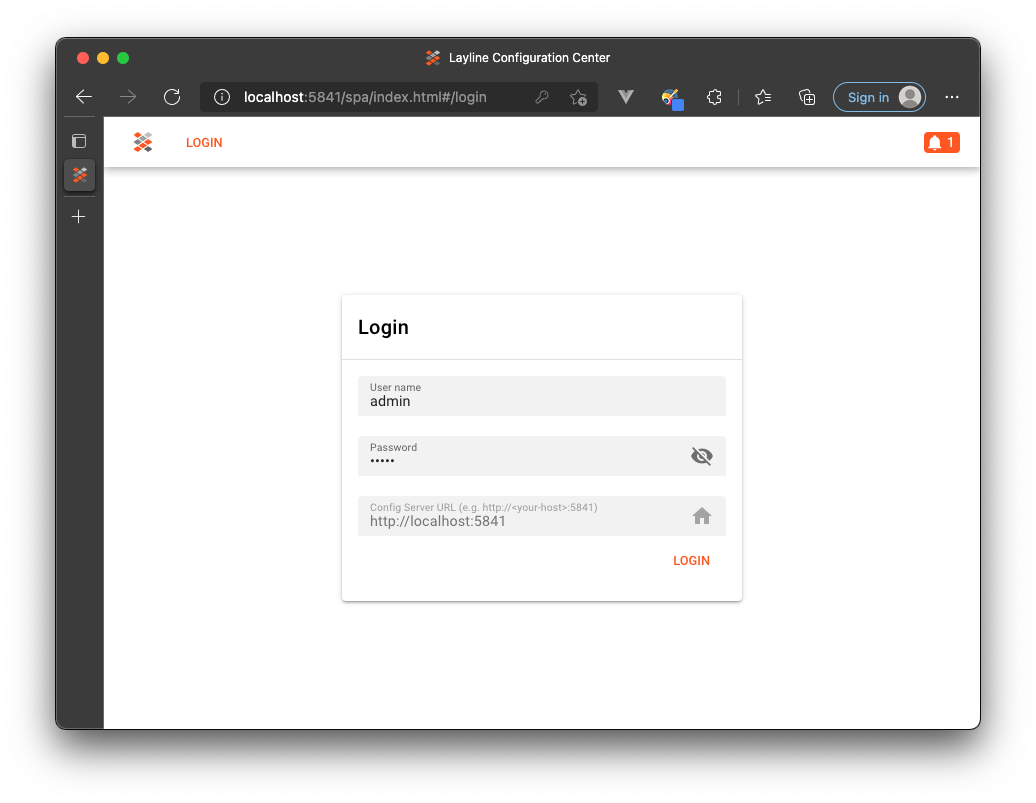
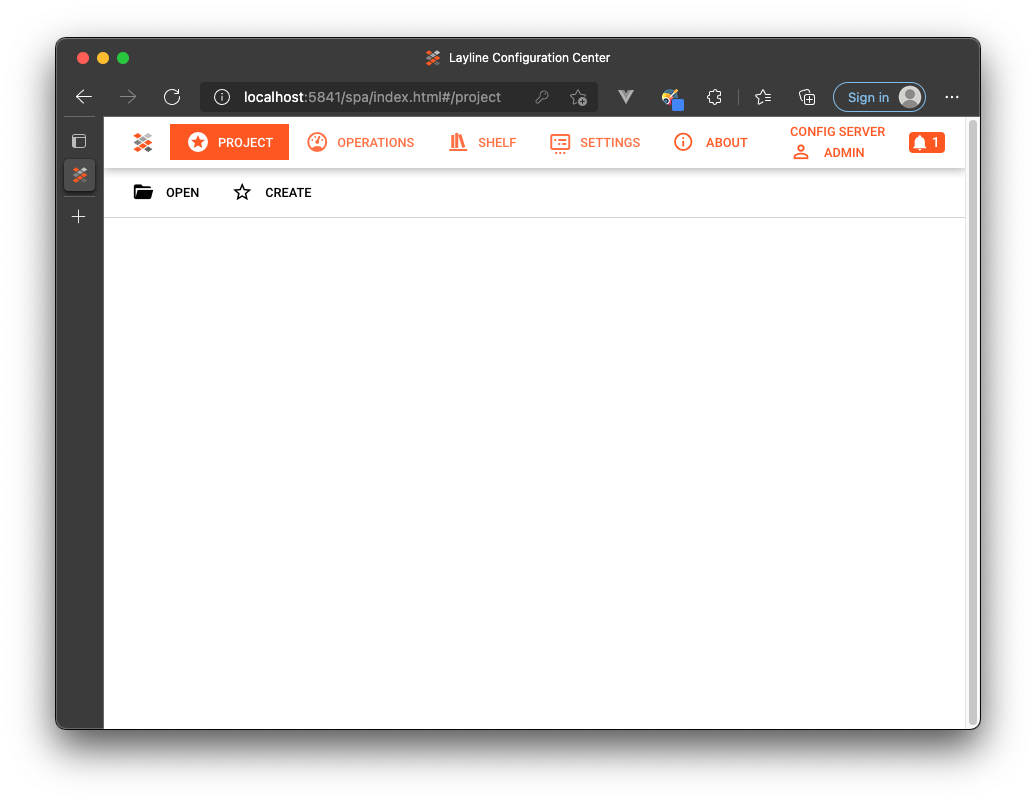
The default credentials are admin / admin. After logging in you should see the Configuration Center dashboard:
Verify the Reactive Engine is running
- In the left navigation, go to Operations → Cluster.
- Log in to the cluster when prompted (credentials:
admin/admin). - Confirm all nodes show status Up in green.
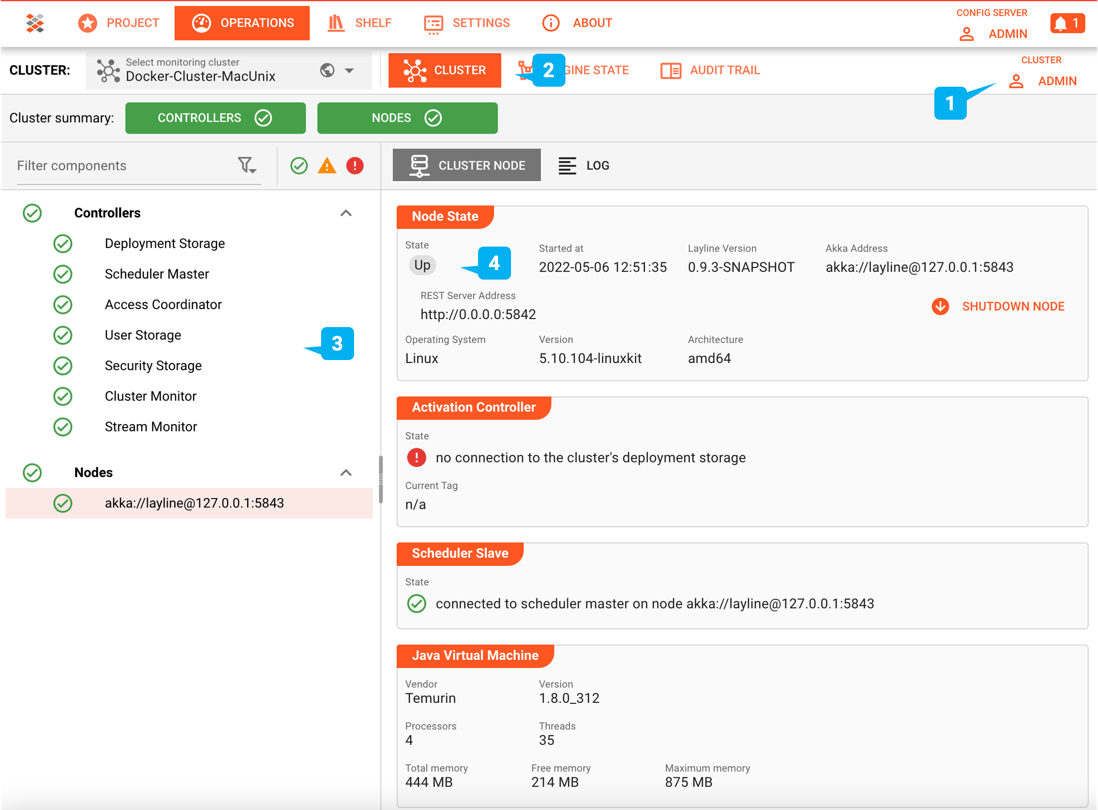
On Windows, if the Docker container's IP is not 192.168.100.199, the pre-configured cluster address will not work. Fix it:
- Go to Settings in the Configuration Center.
- Select
Docker-Cluster-Windowsin the left panel. - Update the IP address to match your Docker container's actual IP. Keep port
5842.
Note: This setting does not persist when the container is stopped.
Sample Projects
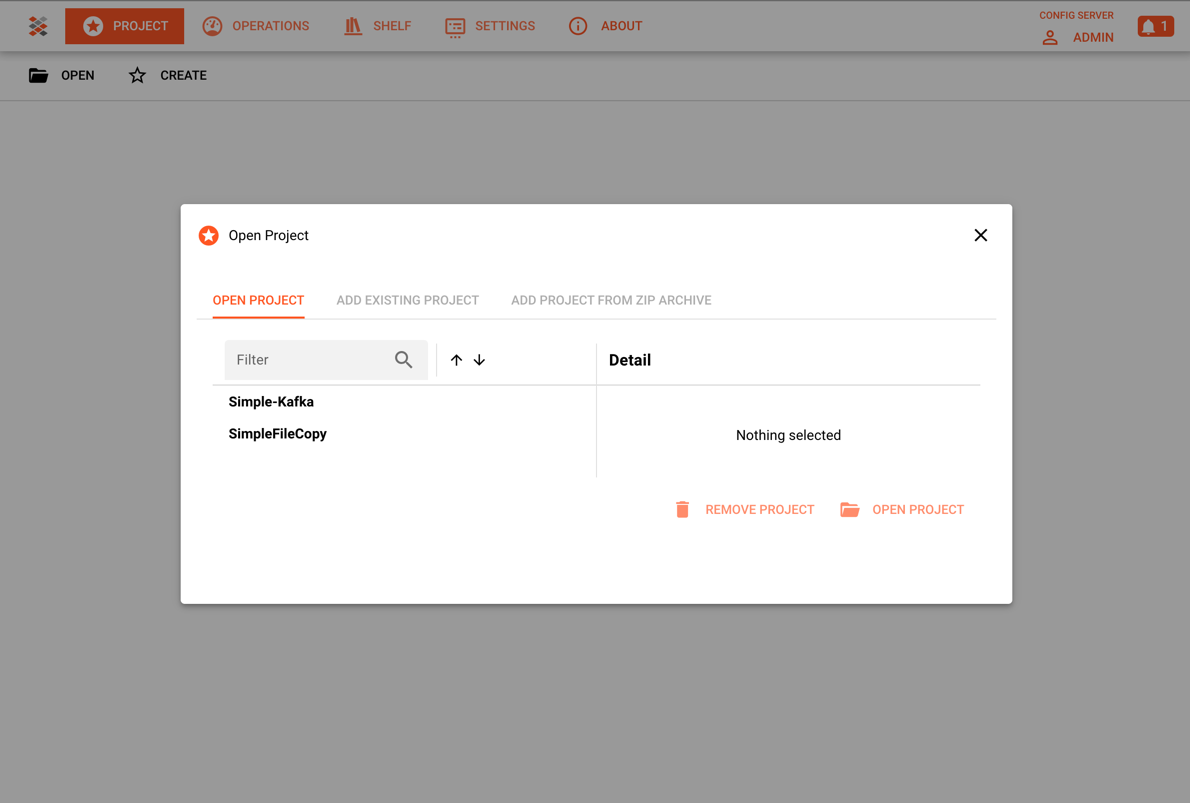
The Docker image includes pre-installed sample Projects. To explore them:
- In the Configuration Center, click Project → Open.
- Select any project from the list and open it.
Container internals
Access a shell
# Find the running container ID
docker container ls

# Open a bash shell inside it
docker exec -it <container-id> /bin/bash
Directory layout
/opt/layline/ — layline.io installation:
/opt/layline/
├── bin/                        # Binaries (config-server, reactive-engine, layctl, ...)
├── config/
│   ├── config-server/
│   │   └── application.conf    # Runtime config for Config Server
│   └── reactive-engine/
│       └── application.conf    # Runtime config for Reactive Engine
├── jre/                        # Bundled Java runtime
├── lib/                        # layline.io libraries
└── samples/                    # Sample assets
/home/layline/ — data and projects:
/home/layline/
├── layline-data/
│   ├── in/                     # Input directory for sample file pipelines
│   ├── out/                    # Processed output files
│   ├── done/                   # Files moved here after successful processing
│   └── error/                  # Files that caused processing errors
├── layline-projects/           # Pre-installed sample projects
│   ├── sample-file-copy/
│   └── sample-kafka/
└── sample-data/                # Example input files for sample projects
    └── bank-transactions/
        ├── 100-BT-Records.csv
        └── 2-BT-Records.csv
Production Deployment
This Docker setup is ideal for quick evaluation and development. For production deployments requiring high availability and scalability across multiple machines, see:
- Multi-Node Cluster Setup — Deploy with MySQL persistence and reactive clustering
Please note, that the creation of the online documentation is Work-In-Progress. It is constantly being updated. should you have questions or suggestions, please don't hesitate to contact us at support [at] layline.io .